Free · by X Apps
AI MultiTool
Free AI chat that switches AI for you
Free AI chat that picks an AI for you. No keys or sign-up: when one AI hits its free limit, the next one carries on with the same conversation.
Open AI MultiToolDownload for Android
Free. No sign-up. Works in your browser, and as an Android app (Android 8.0 or later).
- Price
- Free
- Keys needed
- None to start
- Works on
- Browser and Android
- Account
- None needed
What AI MultiTool does
AI MultiTool is a free AI chat that works the moment you open it. Its Auto mode picks a free AI for each message, and when one hits its daily limit or runs out of free credits, the next one answers and carries on with the same conversation.
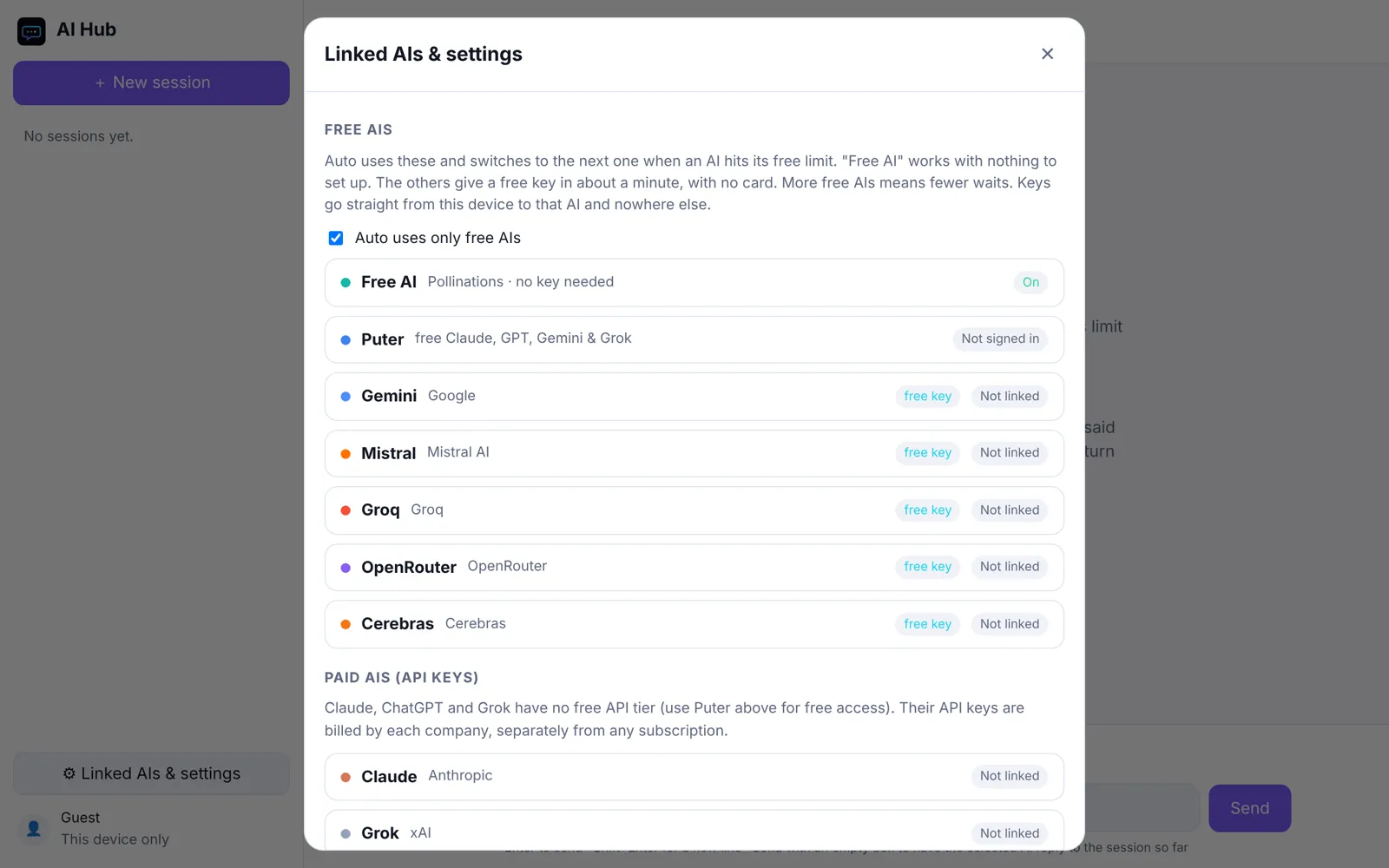
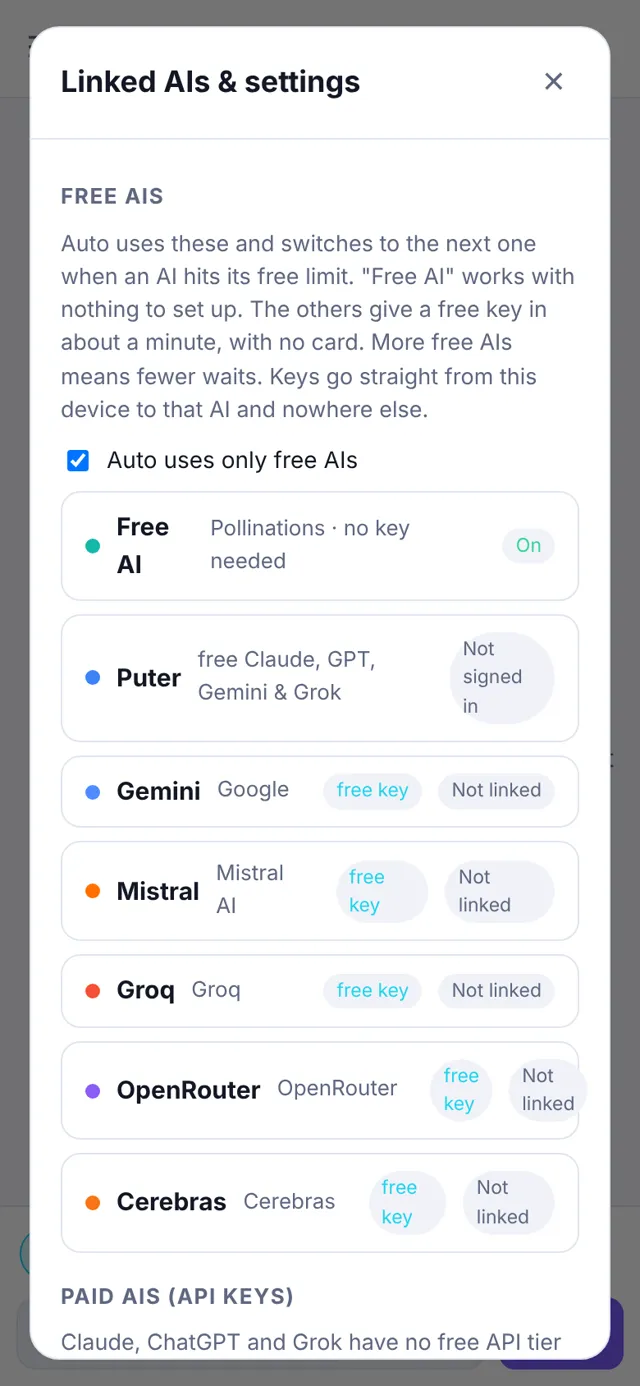
Every AI reads the whole conversation, including what the other AIs said, so you can still choose a specific AI for any message, or ask one to check another’s answer. For stronger models, add a free key from Gemini, Groq, Cerebras, OpenRouter or Mistral, or sign in to a free Puter account to use Claude, GPT, Gemini and Grok. Anything you enter stays in your browser.
What you get
Free, no sign-up
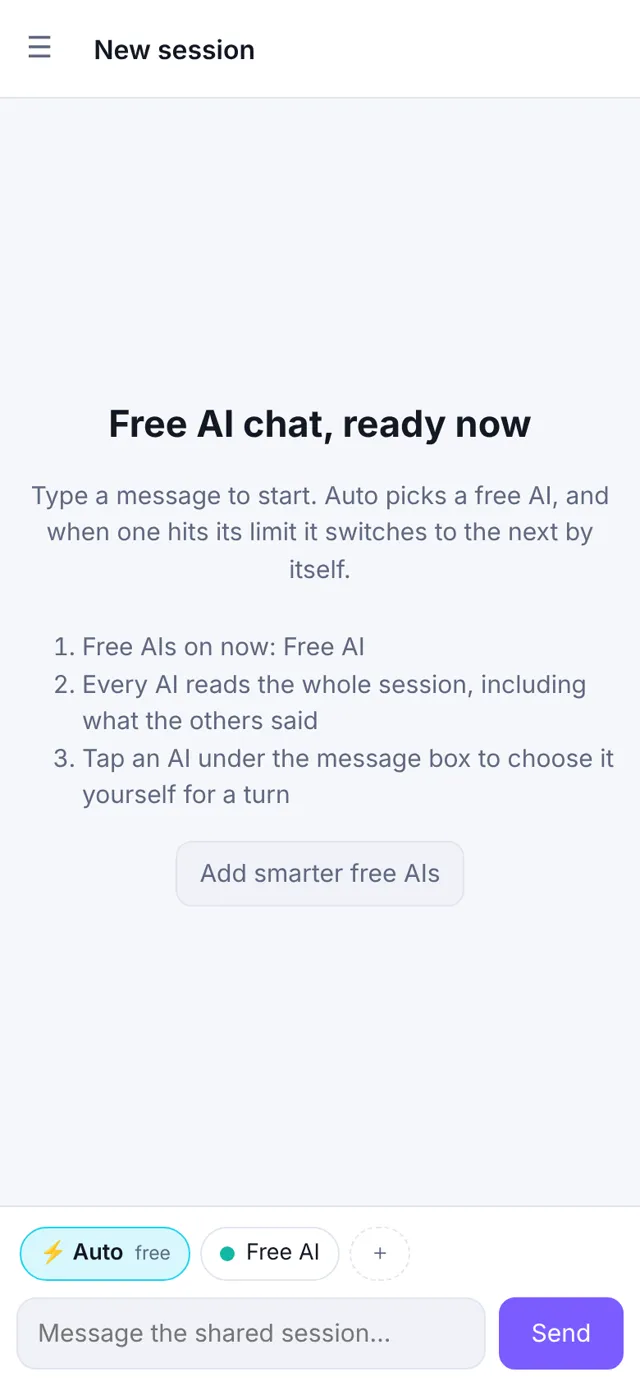
Start typing straight away. A keyless free AI is always on, so the app works without any account or key.
Auto switching
Auto picks a free AI for each turn. One that hits a limit rests for a while and the next one answers, with a note saying who took over.
One shared conversation
Each AI sees the whole session, including the other AIs' replies, so switching never loses the thread.
Pick who answers
Choose a specific AI for any message, or ask one AI to check or argue with another’s answer.
Better AIs for free
Add free keys from Gemini, Groq, Cerebras, OpenRouter or Mistral (no card needed), or sign in to Puter for free Claude, GPT and Grok.
Android app
Install the Android app (Android 8.0 or later) for the same chat on your phone. Export and import move your sessions between devices.
How it works
- Open AI MultiTool in your browser and start typing. A free AI answers straight away, no account or key needed.
- Leave Auto on and it picks a free AI for each message. When one reaches its daily limit, the next one carries on with the same conversation.
- Want a specific AI? Choose who answers for any message, or ask one AI to check another’s answer.
- For stronger models, add free keys from Gemini, Groq, Cerebras, OpenRouter or Mistral, or sign in to a free Puter account.
Screens
Details
Install the Android app
- Tap Download for Android and open the file when it finishes.
- If Android says your browser isn’t allowed to install apps, tap Settings and turn on Allow from this source for your browser, then go back.
- Tap Install. If Play Protect warns about an unknown app, tap More details, then Install anyway.
- Once it’s installed, you can turn Allow from this source off again.
The Android app isn’t from the Play Store, so your phone asks first. Only install apps from sources you trust.
Good to know
Free AIs have daily limits, and the free keyless AI is a smaller model. Claude, ChatGPT and Grok have no free API of their own: use them through a free Puter account, or add a paid key. The Android app isn’t from the Play Store, so your phone will ask you to allow installs from your browser.
Questions
Do I need an account or an API key?
No. A free AI that needs no key is always on, so the app works the moment you open it. Keys and accounts are optional extras that give you smarter AIs and fewer waits.
What happens when a free AI hits its limit?
In Auto mode that AI rests for a while and the next one answers, with a note saying who took over. Every AI reads the whole conversation, so the thread carries on.
Can I use Claude, ChatGPT or Grok?
They have no free API of their own. You can use them through a free Puter account, or add a paid key. Free keys from Gemini, Groq, Cerebras, OpenRouter and Mistral need no card.
Where are my chats and keys kept?
In your browser, on your device. Messages go straight from your browser to the AI service that answers them and never pass through our server. If you sign in with Google, a backup can also be saved to a private app-data folder in your own Google Drive. The Android app keeps everything on your phone.
Are the free AIs as good as the paid ones?
Free AIs have daily limits, and the keyless free AI is a smaller model. It is best for everyday questions. Always check anything important.