AI MultiTool
Free AI chat that switches AI for you
APK for Android 8.0 or later Download for Android
- Price
- Free
- Keys needed
- None to start
- Works on
- Browser and Android
- Account
- None needed
What AI MultiTool does
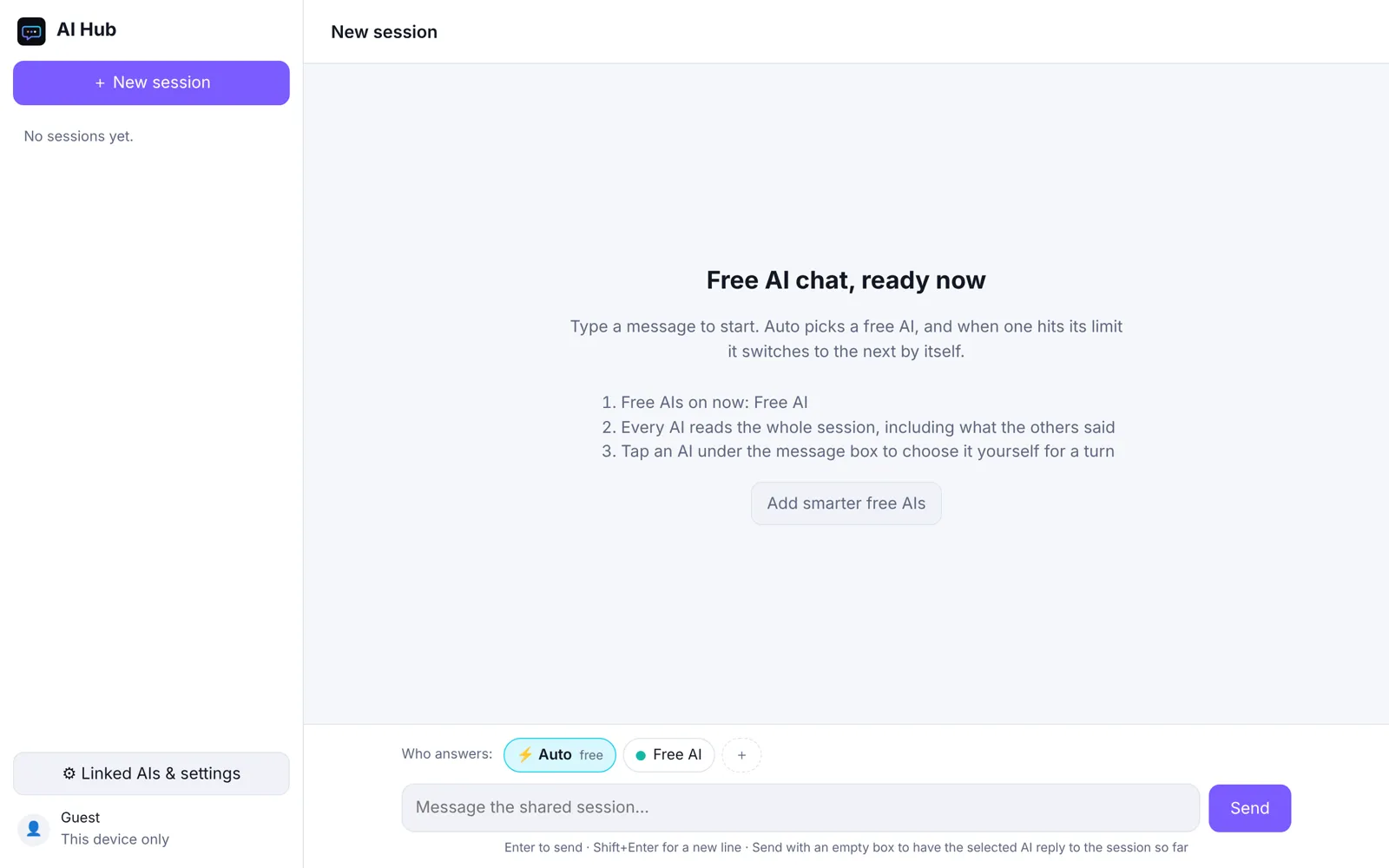
AI MultiTool is a free AI chat that works the moment you open it. Its Auto mode picks a free AI for each message, and when one hits its daily limit or runs out of free credits, the next one answers and carries on with the same conversation.
Every AI reads the whole conversation, including what the other AIs said, so you can still choose a specific AI for any message, or ask one to check another’s answer. For stronger models, add a free key from Gemini, Groq, Cerebras, OpenRouter or Mistral, or sign in to a free Puter account to use Claude, GPT, Gemini and Grok. Anything you enter stays in your browser.
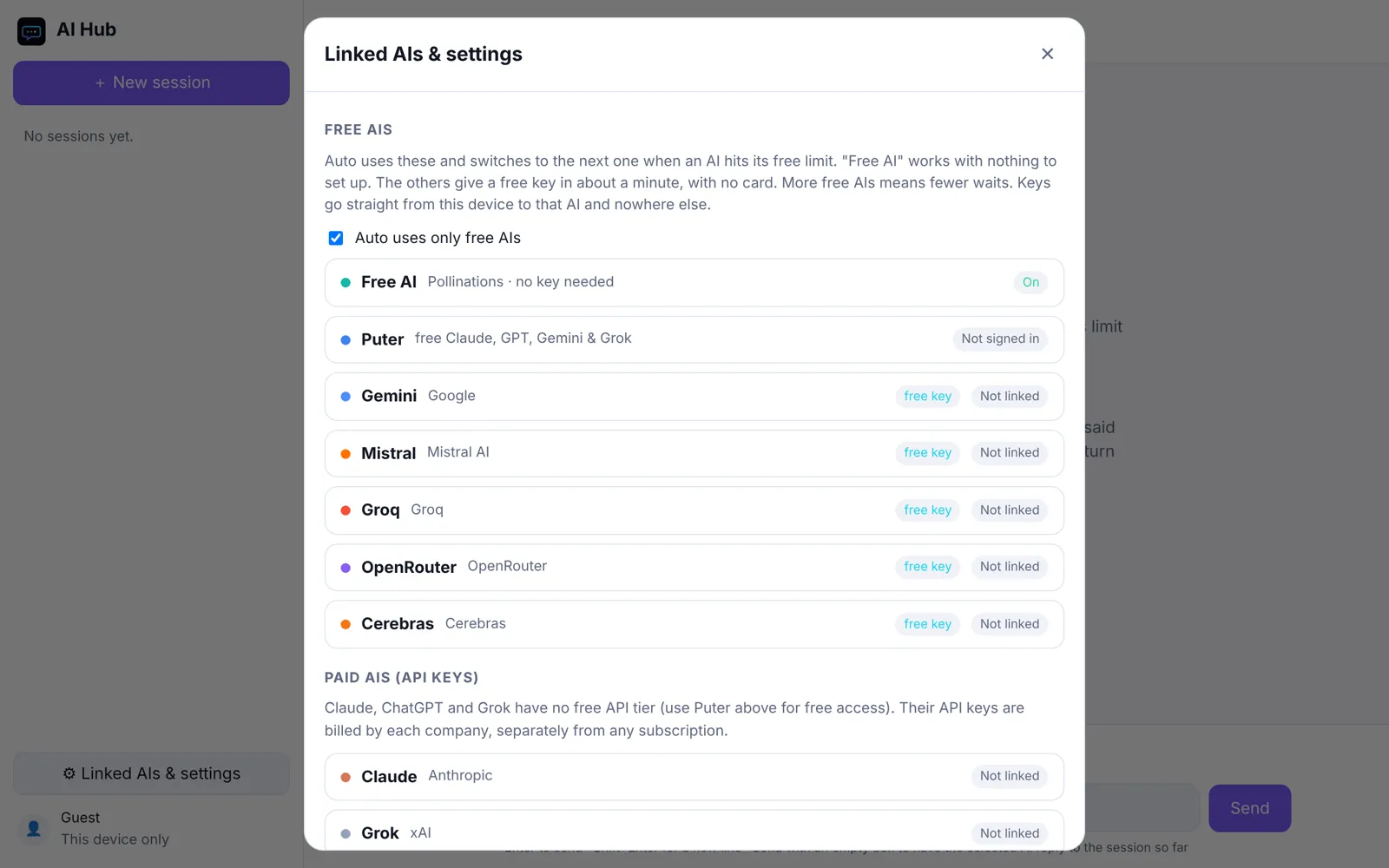
AI MultiTool on a phone
Start typing
Auto picks a free AI for each message. Nothing to set up first.
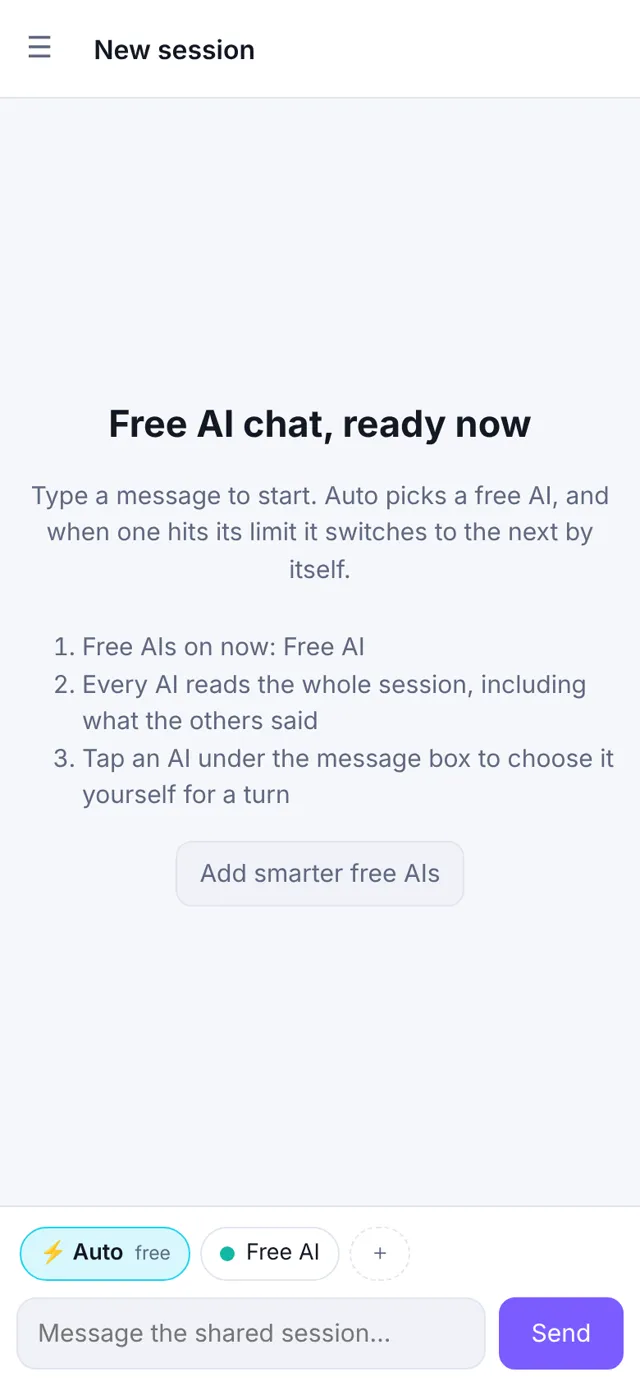
Add free keys
Link Gemini, Groq and others for free, or sign in to Puter for Claude, GPT and Grok.
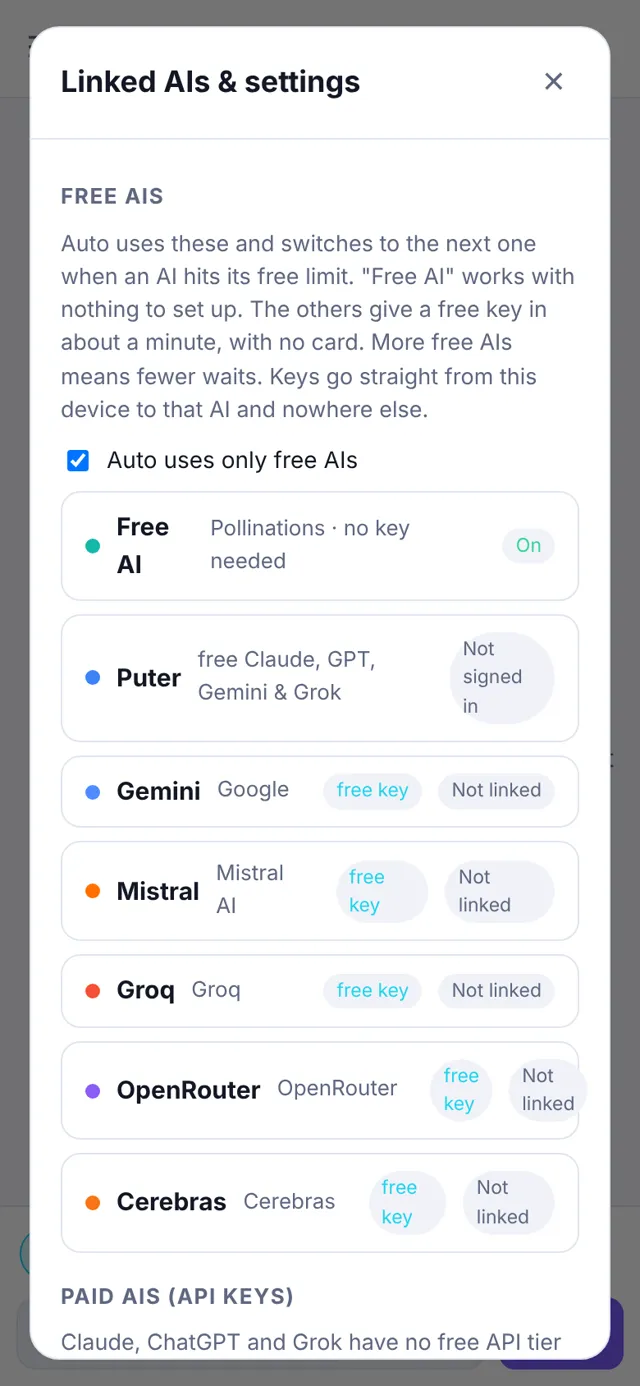
What you get
Free, no sign-up
Start typing straight away. A keyless free AI is always on, so the app works without any account or key.
Auto switching
Auto picks a free AI for each turn. One that hits a limit rests for a while and the next one answers, with a note saying who took over.
One shared conversation
Each AI sees the whole session, including the other AIs' replies, so switching never loses the thread.
Pick who answers
Choose a specific AI for any message, or ask one AI to check or argue with another’s answer.
Better AIs for free
Add free keys from Gemini, Groq, Cerebras, OpenRouter or Mistral (no card needed), or sign in to Puter for free Claude, GPT and Grok.
Android app
Install the Android app (Android 8.0 or later) for the same chat on your phone. Export and import move your sessions between devices.
Open AI MultiTool
Free AIs have daily limits, and the free keyless AI is a smaller model. Claude, ChatGPT and Grok have no free API of their own: use them through a free Puter account, or add a paid key. The Android app isn’t from the Play Store, so your phone will ask you to allow installs from your browser.
AI MultiTool homepage X Apps privacy policy See all the apps