Beta · by X Apps
SiteBuilder
Drag-and-drop website builder that runs in your browser
Build web pages by dragging blocks onto a canvas, with multiple pages, smart guides and ready-made templates. No account, no server: it all runs in your browser.
Free. No account. An early version that runs entirely in your browser; best on a computer or tablet.
- Price
- Free
- Works on
- Desktop and tablet
- Account
- None needed
- Stage
- Early version
What SiteBuilder does
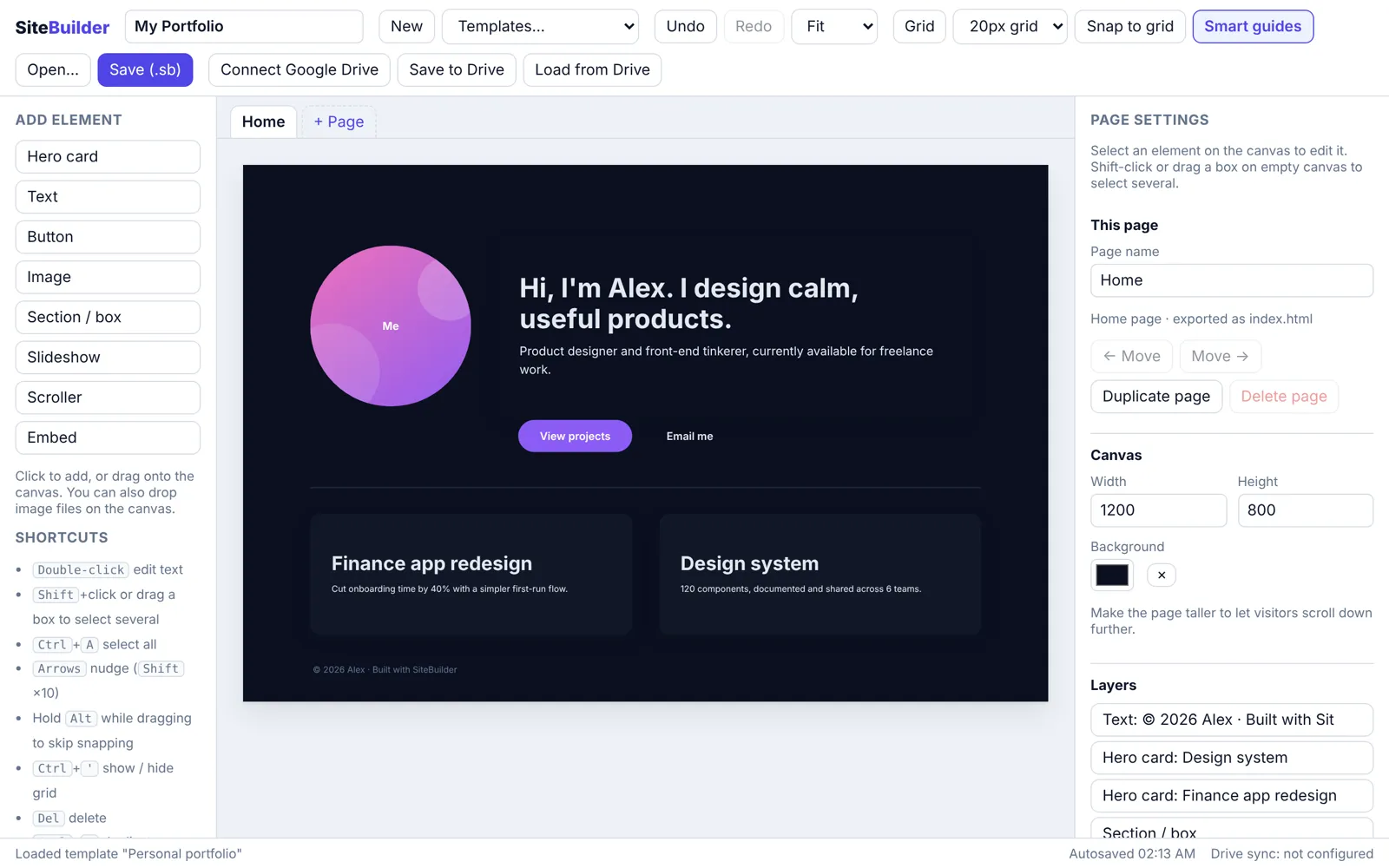
SiteBuilder is a simple website builder. Start from a template or a blank canvas, then drag text, buttons, images, sections, slideshows, scrollers and embedded videos or maps where you want them, and edit the words right on the page. Build several pages in one project and link buttons between them.
Your work autosaves in your browser, and Save (.sb) downloads the whole project as one compact file you can open again later or on another computer. It’s an early version: exporting a finished website is switched off for now, and layouts are fixed-size rather than fully responsive.
What you get
Drag and drop
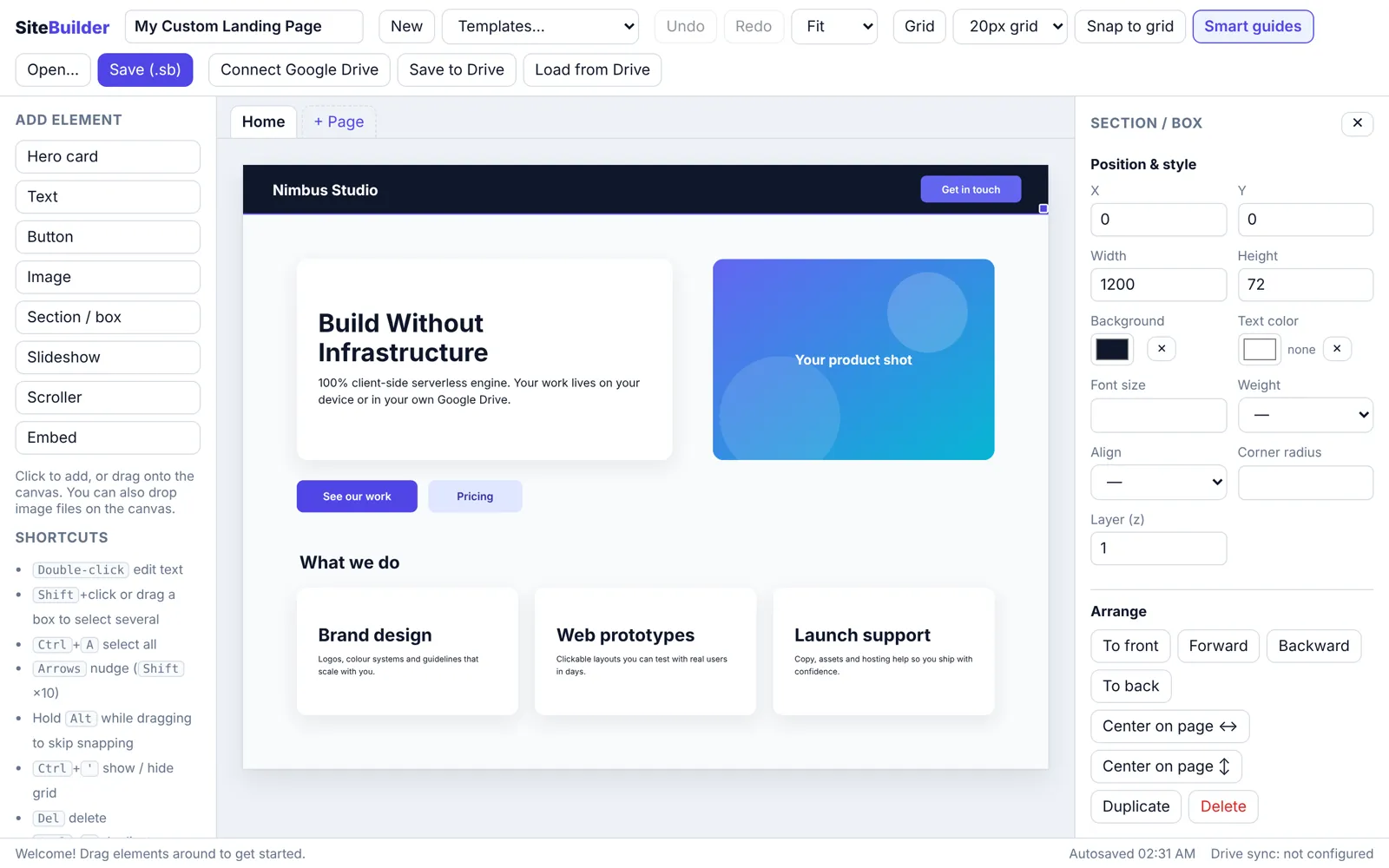
Place hero cards, text, buttons, images and sections anywhere, and resize them from the corner. Works with a mouse, touch or a stylus.
Multiple pages
Add, rename, duplicate and reorder pages, pick a home page, and make buttons link to other pages.
Grid and smart guides
Show a grid, snap to it, and let smart guides line up edges, centres and spacing as you drag. Hold Alt to place freely.
Select many at once
Shift-click or drag a box to select several elements, then move, align, distribute or restyle them together.
Slideshows, scrollers and embeds
Add image slideshows with captions, scrolling card rows, and YouTube, Vimeo or Maps embeds.
Save and reopen
Autosave in your browser, plus Save (.sb) to keep a compact project file you can open on any computer. Undo and redo throughout.
How it works
- Pick a template: an agency landing page, a personal portfolio or a blank canvas.
- Drag text, buttons, images, sections, slideshows, scrollers and embeds onto the canvas, and edit the words right on the page.
- Add more pages, link buttons between them and line things up with the grid and smart guides.
- Save the project as a .sb file to keep it or open it on another computer. Your work also autosaves in your browser.
Screens
Details
Good to know
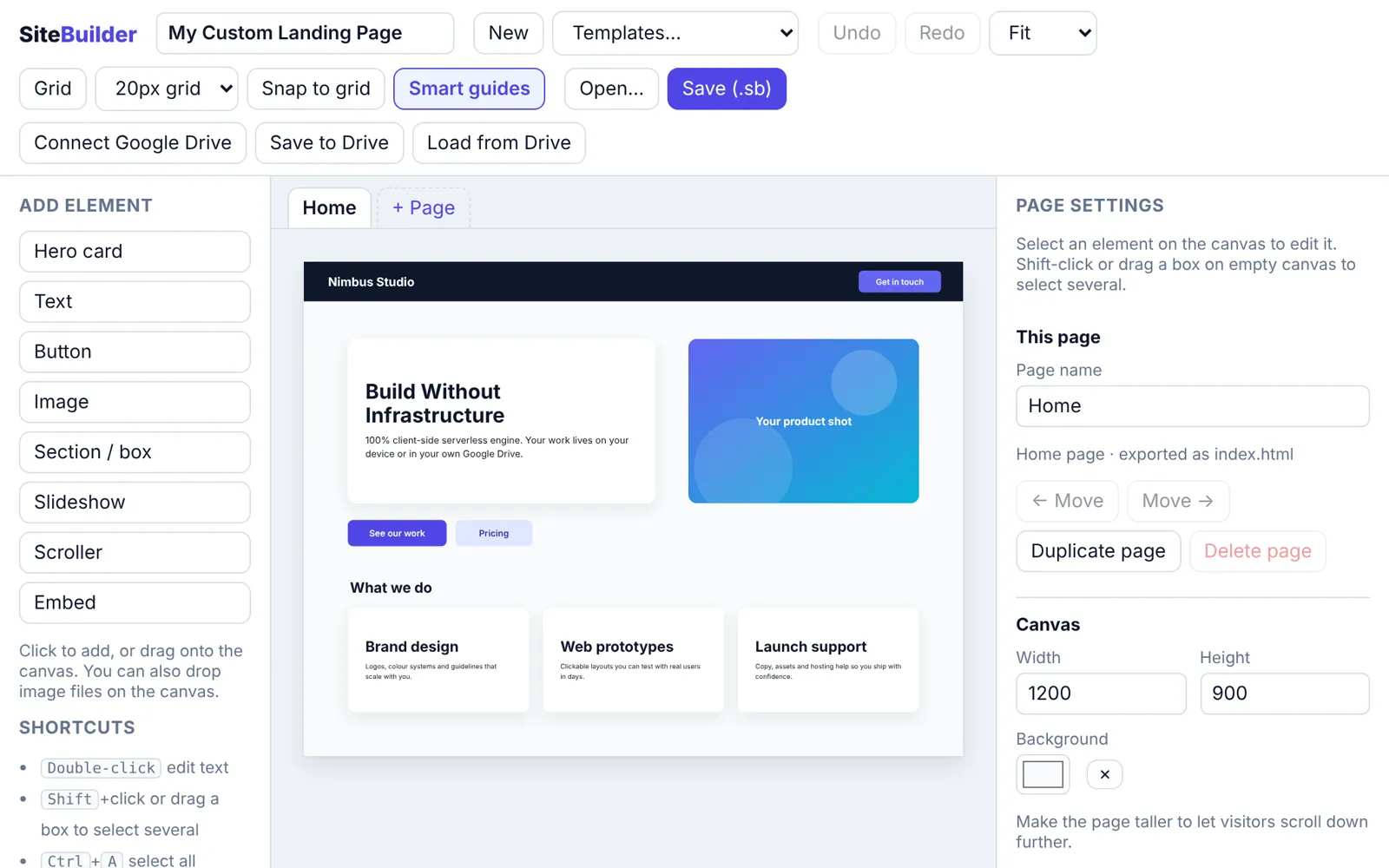
SiteBuilder is an early version. Exporting a finished website is switched off for now, so projects are saved as .sb files. Pages use fixed positions, so they scale down on phones rather than rearranging. Your browser can keep about 5 MB of autosaved work, so use Save (.sb) for projects with large images. It works best on a computer or tablet.
Questions
Do I need an account?
No. SiteBuilder runs entirely in your browser and your projects are never sent to our server.
Where is my work saved?
It autosaves in your browser, which can keep about 5 MB. For projects with large images, use Save (.sb) to download the whole project as one file you can open again later or on another computer.
Can I export a finished website?
Not yet. SiteBuilder is an early version and exporting a finished website is switched off for now, so projects are saved as .sb files.
Does it work on a phone?
It works best on a computer or tablet. Pages use fixed positions, so they scale down on phones rather than rearranging.
What about Google Drive?
A Drive backup (to a private app-data folder that only SiteBuilder can see) is available only when Google sign-in is switched on for the app. The editor’s status bar shows whether Drive sync is configured.